How to play
Walk the ward. Open a ring. Step into the moment.
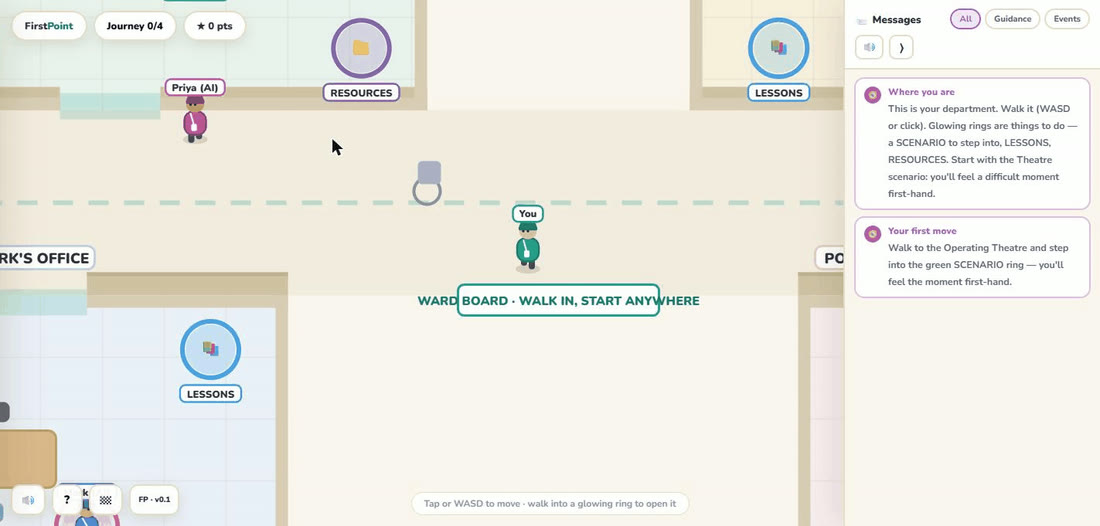
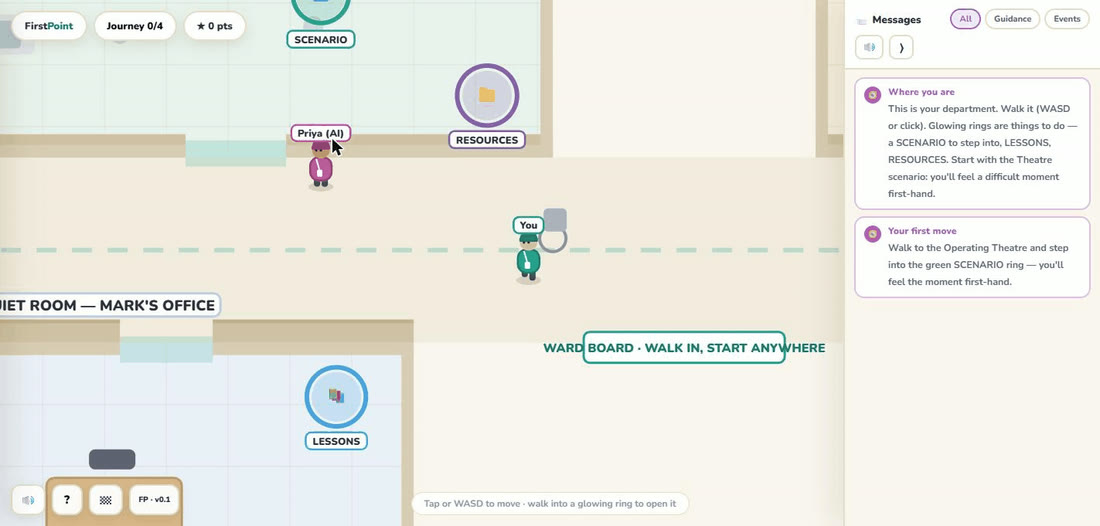
FirstPoint plays in your browser — no install. Move your character around the department, walk into a glowing ring to open it, and follow the moment from feeling it to supporting a colleague through it.
Controls
- Move with the mouse. Press and hold the left mouse button to walk toward the cursor; release to stop.
- Or use the keyboard. Walk with W A S D or the ← ↑ ↓ → arrow keys.
- On touch, hold to move. Touch and hold to walk toward your finger; lift to stop.
- Open a ring by walking into it. Glowing rings mark what you can do. Walk into one to open it.
- Sound & narration. There is a sound toggle, so you can play with audio and narration on or off — whatever suits where you are.
What the rings mean
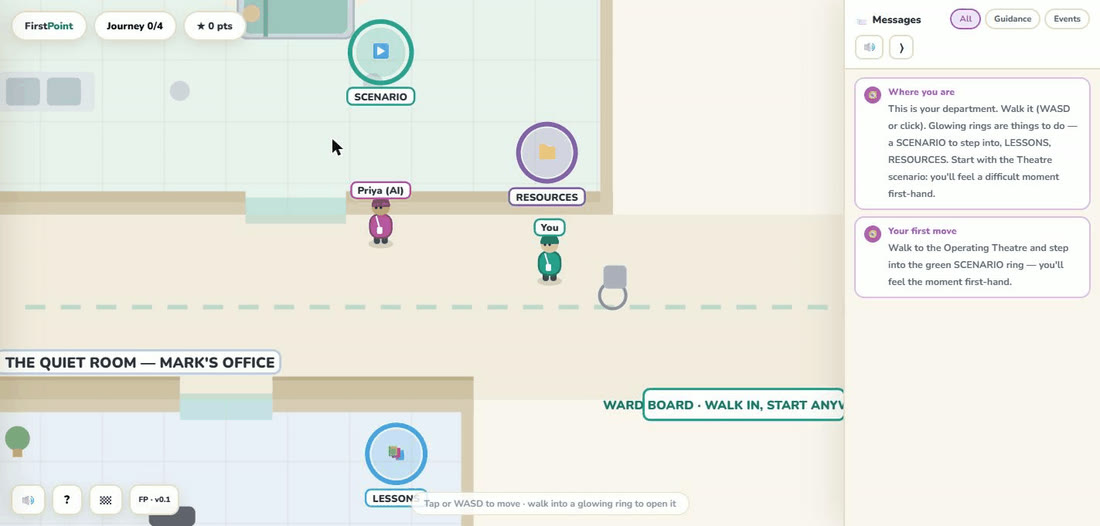
- Green — Scenario. The playable moment. You live the difficult event first-hand, then flip the camera and practise being the first point of contact. This is where the action happens.
- Blue — Lessons. Short, practical teaching tied to that room’s scenario, split across Before, During and After the moment — for example, what a startle reflex actually is, open vs closed-loop communication, or naming it out loud to the team. Bite-sized “what’s really happening” explainers you can read in under a minute.
- Purple — Resources. Things to take away and use afterwards — a one-page read, a short watch, and a pocket card to carry (such as a stress-physiology primer, a clinician describing their own freeze, or a 30-second reset). The practical backup to each lesson.
Urology is playable now. Live rings open available scenarios, lessons, or resources; grey SOON rings mark planned content.
Three views
- The ward map — walk around the department and find the rings.
- An eye-level scene — sit in the moment with the people in it.
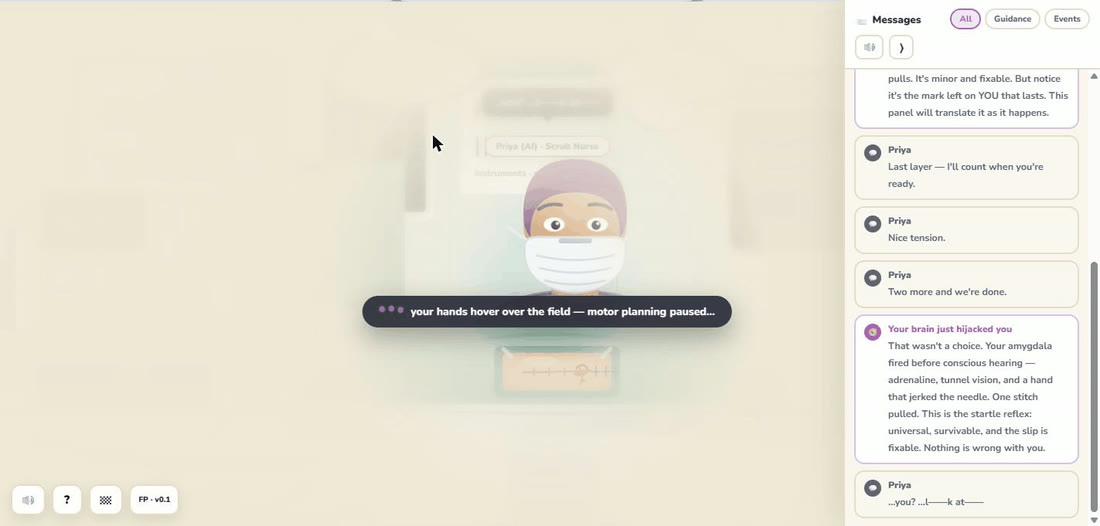
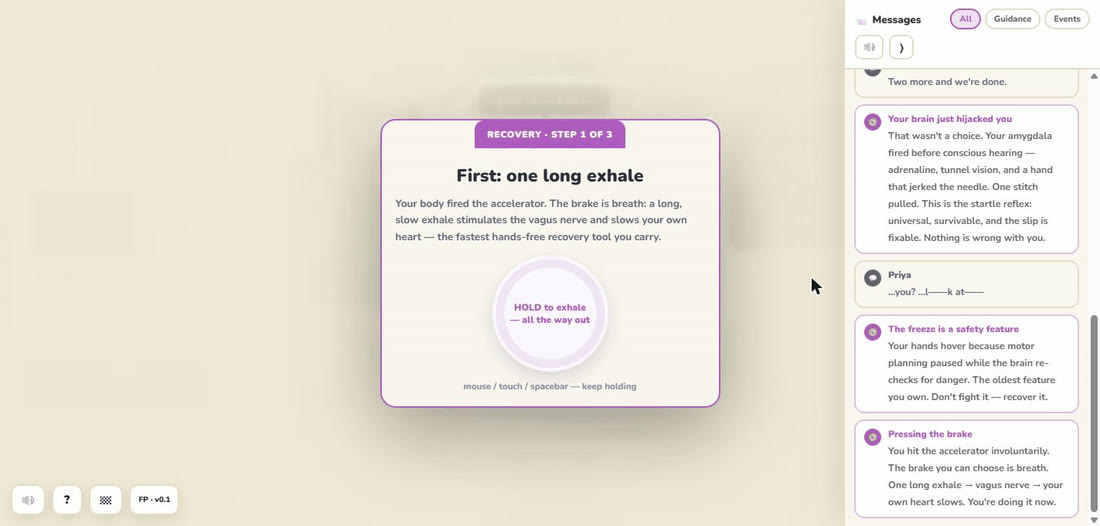
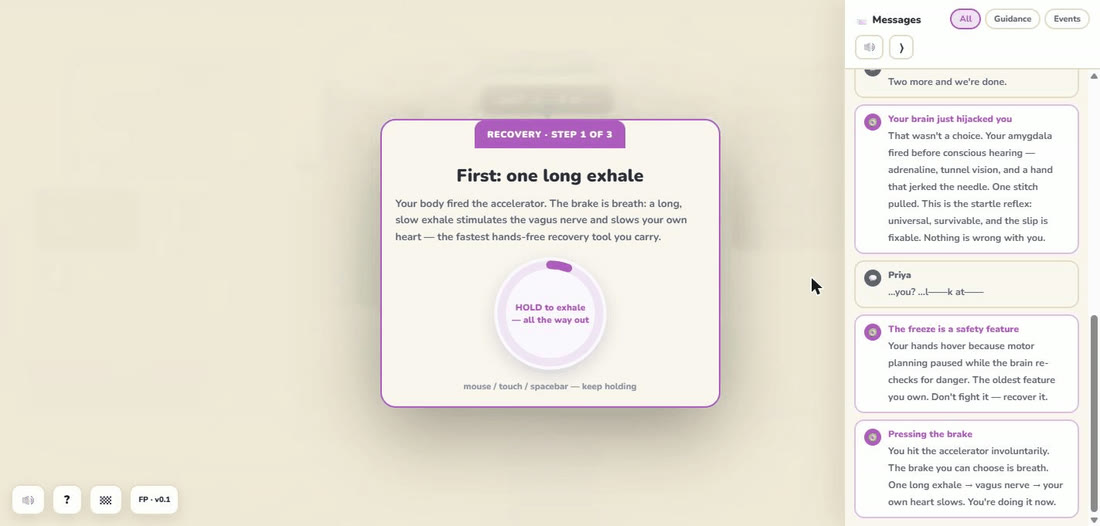
- A focused mini-game — a close-up task at the heart of the scenario.
See it in action
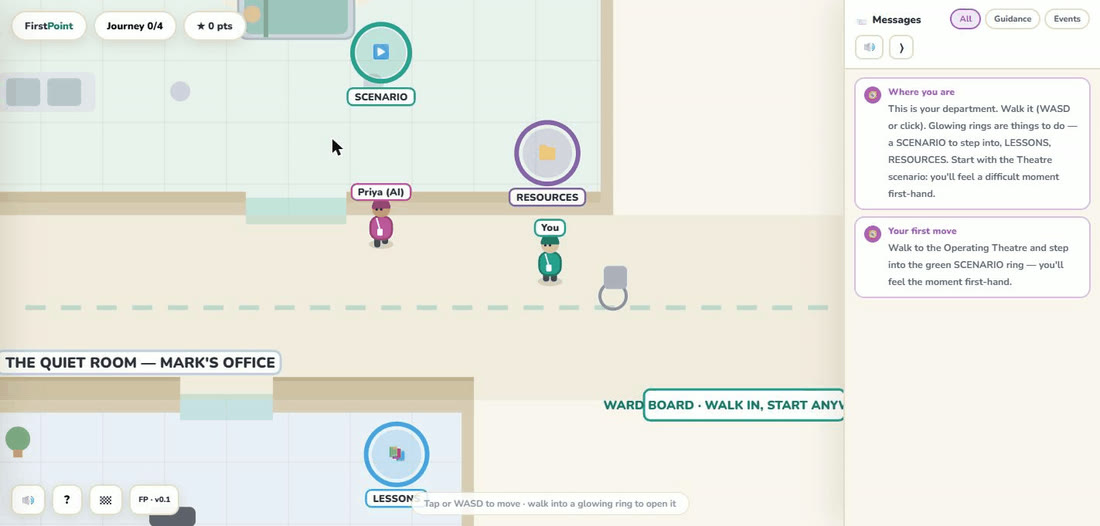
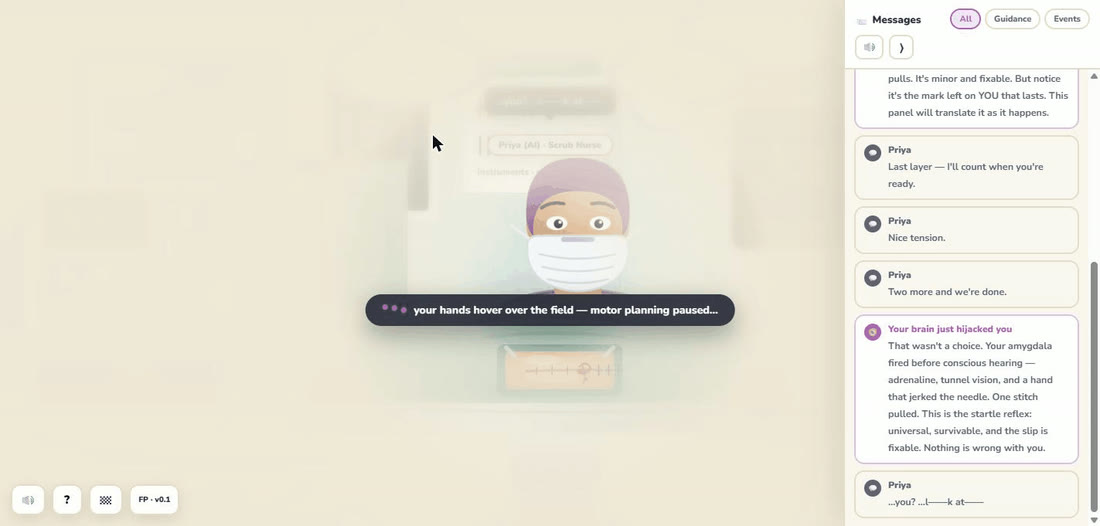
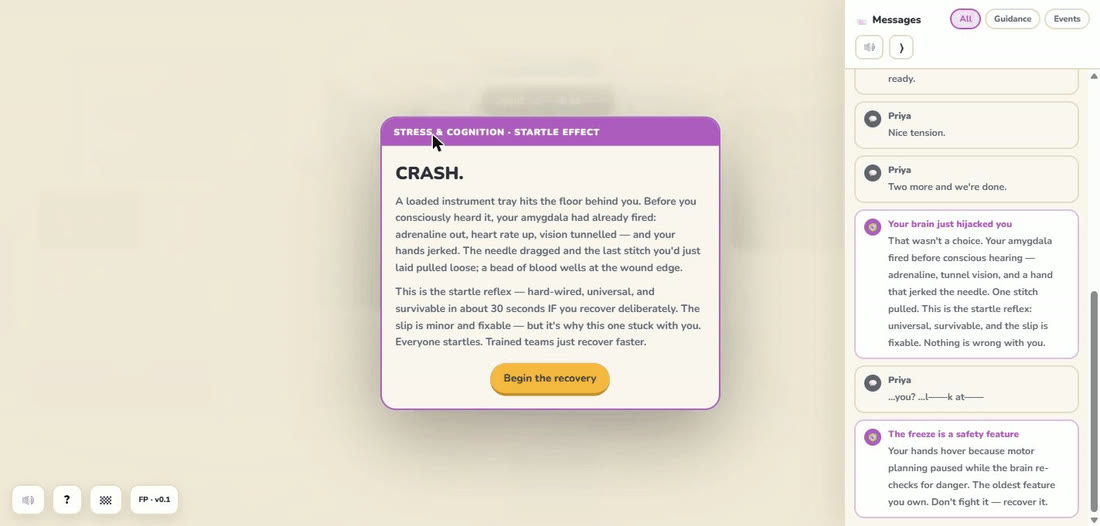
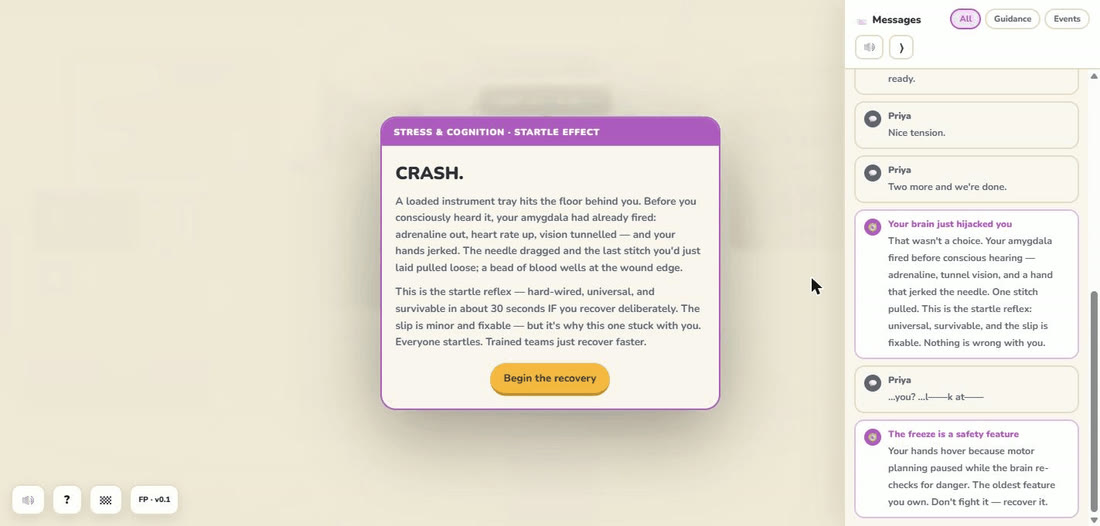
A quick play-through of the Urology scenario, frame by frame — from walking the ward to feeling the moment and recovering.
Rules & what to expect
FirstPoint is practice, not a test. There is no leaderboard to chase and, deliberately, some scenarios have no perfect score. The hardest moments do not have a winning line — a colleague can still struggle even when you say something kind and true.
That is the point. A good first point of contact does the right things — staying, listening, normalising the moment, separating the event from someone’s worth, and keeping the door open — regardless of whether they appear to “work.” Doing the right things anyway is the skill. Play, reflect, and return to the Shared Office selector when you want another scenario.
A content note before you play
One scenario, “After the Call,” deals with sensitive themes — including patient suicide and the distress a clinician can feel afterwards. It is fictional and made for training, with no real patient or person. It is non-graphic and contains no method detail.
That scenario shows a content warning before it starts, so it is never a surprise, and you can choose “not right now” at the gate. You can step out at any time — leaving never leaves you with nothing.
It also signposts real support, including the Samaritans (free, 24/7) on 116 123. If anything here is heavy for you right now, please reach out.